Welcome to ORCA!
All families receive an email from helpdesk@syseducation.org with student account credentials sent to the parent/guardian email(s) used during registration. If you haven’t received this email, check your spam folder!
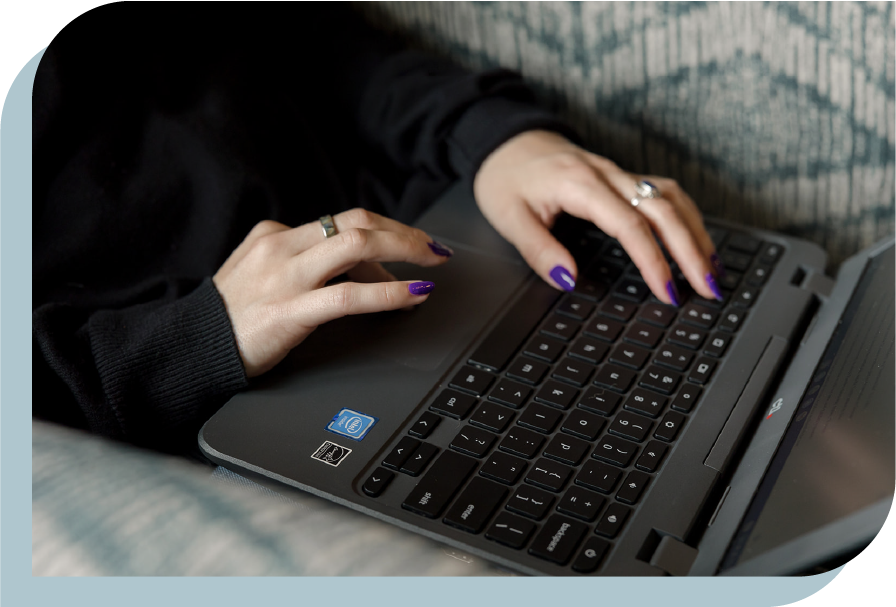
All ORCA students are issued a school-managed Chromebook.
When a Chromebook is shipped, a parent/guardian will receive an automated email notification with a tracking number. All Chromebooks will ship UPS/USPS.
What do I do when my Chromebook arrives?
Any modern device that runs the Chrome browser can be used to start the year successfully.
Once the school year begins, students will be able to complete an onboarding course that introduces the family to platforms and technology at ORCA. The Canvas Dashboard is one of the websites that automatically load when the student logs in, and it includes all course enrollments including onboarding. In the meantime, you can learn more about these programs below:
Parents and legal guardians can create a Canvas Observer account that allows them to log in from any device to see school content and be copied on student communication.
Parents and legal guardians will also receive an automated weekly report of student activity within a week of enrollment during the school year.